
Turn a methods paragraph into a flowchart readers follow at a glance
Describe your study design, procedure or model architecture in a sentence or a manuscript and get a flowchart.
No credit card · Free plan available
Trusted by students and researchers across the world


Flowcharts drawn with Nubint Figure
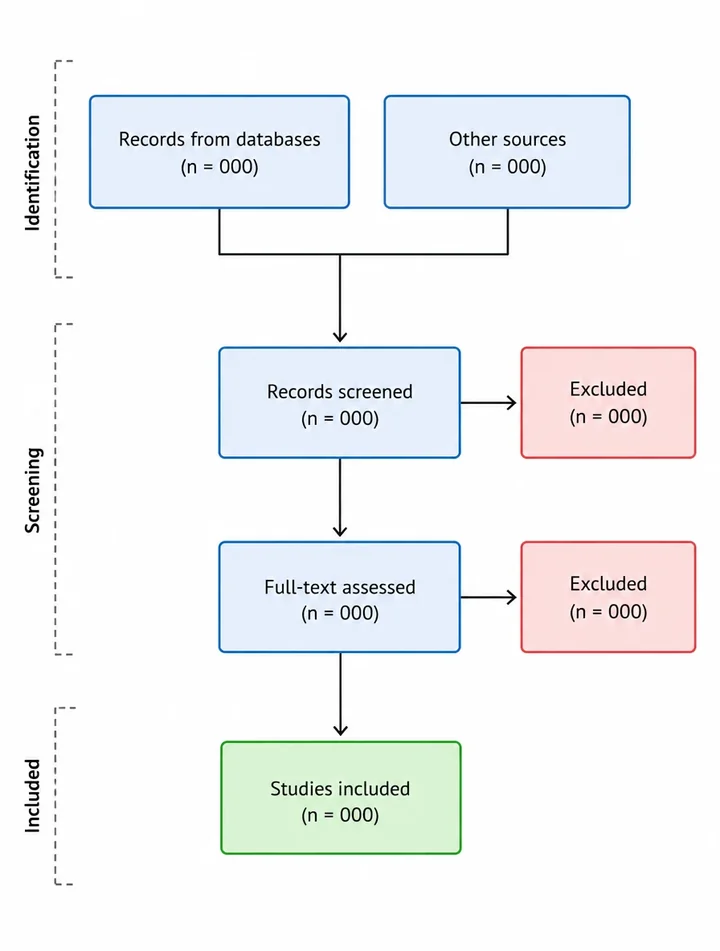
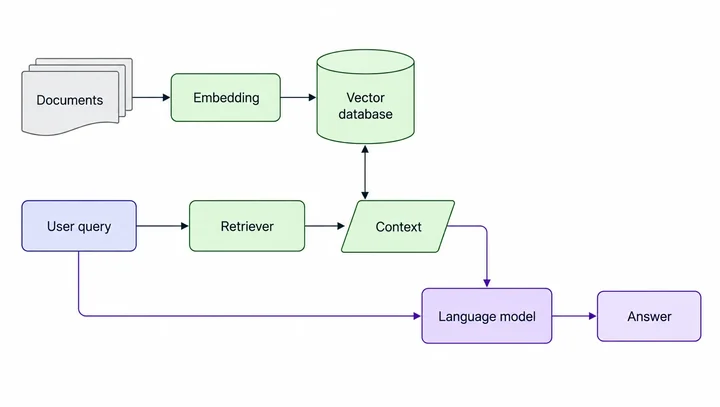
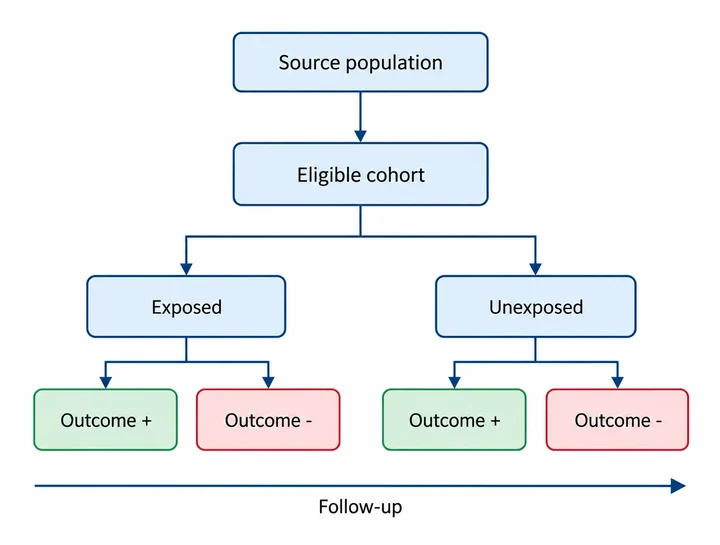
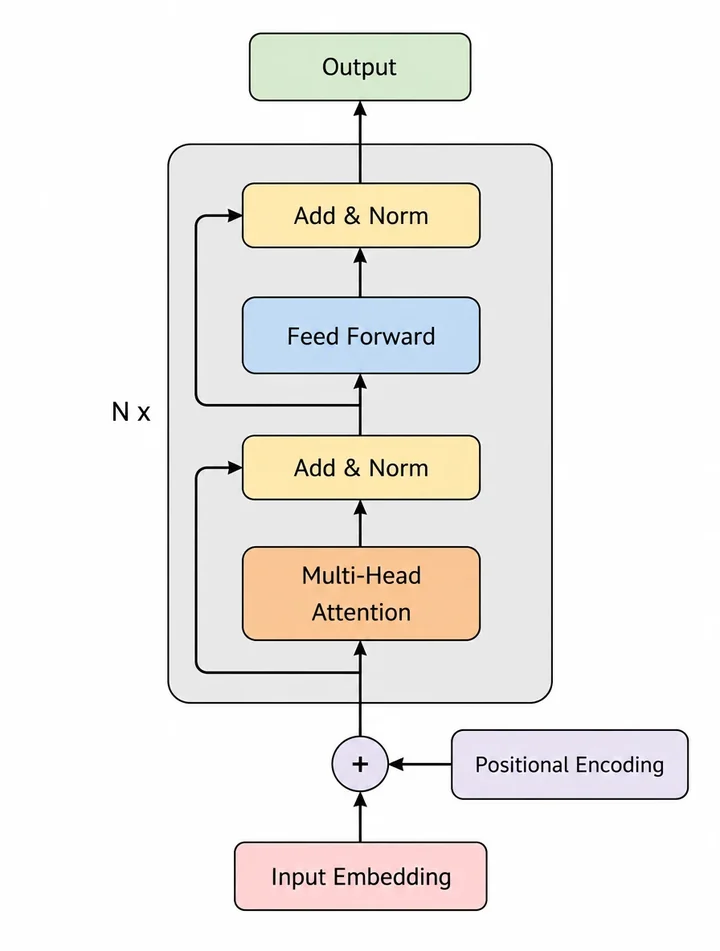
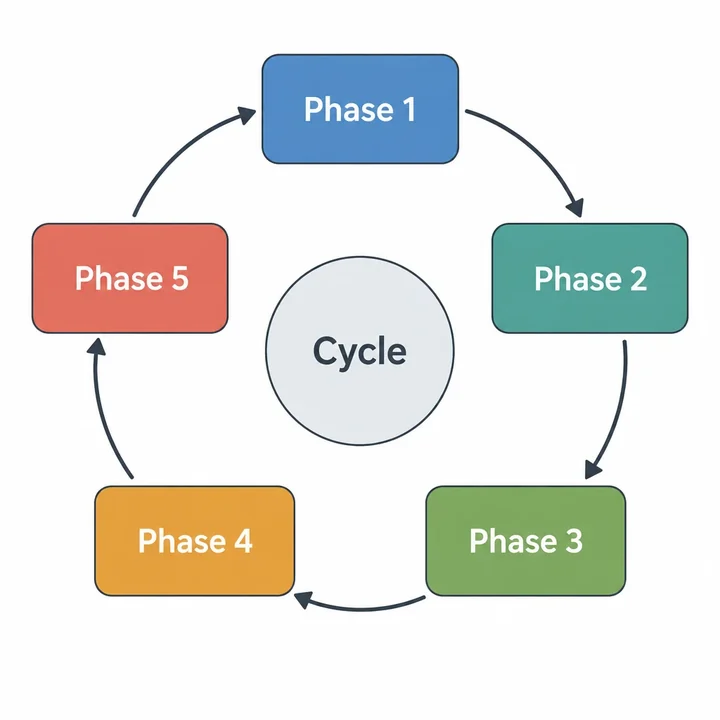
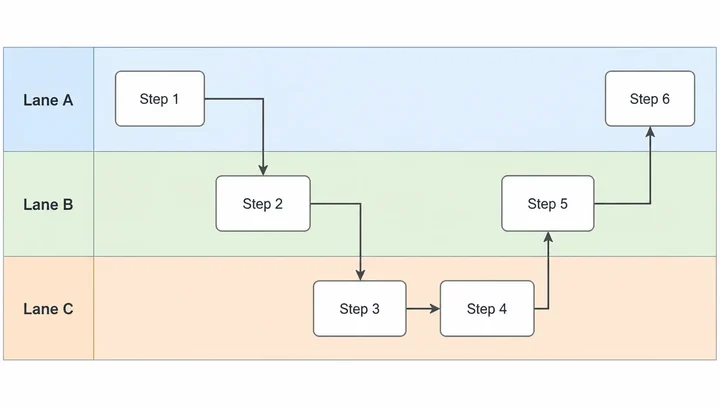
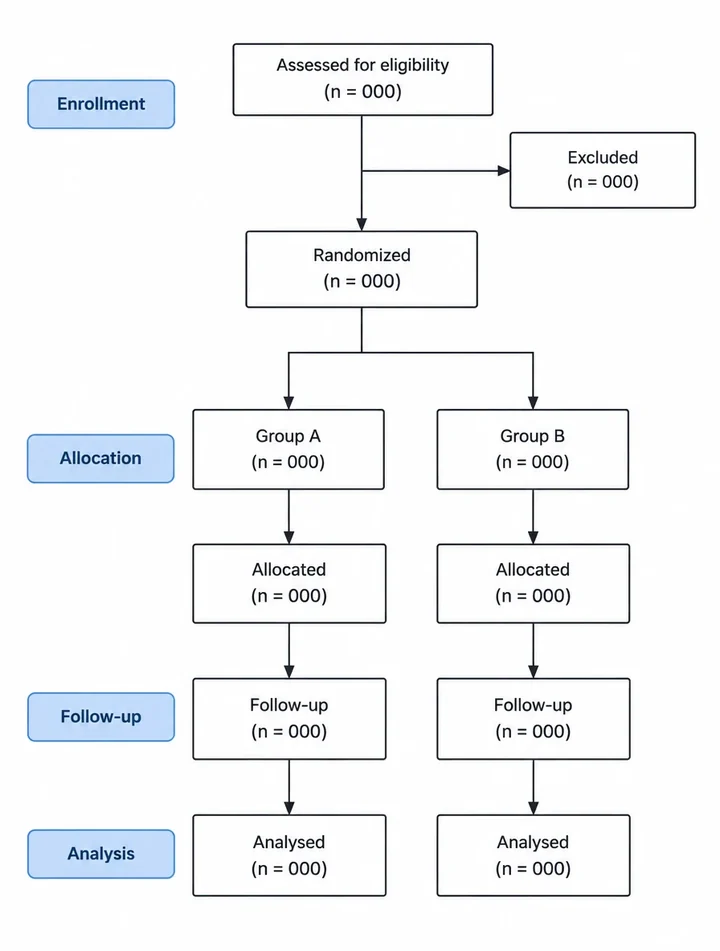
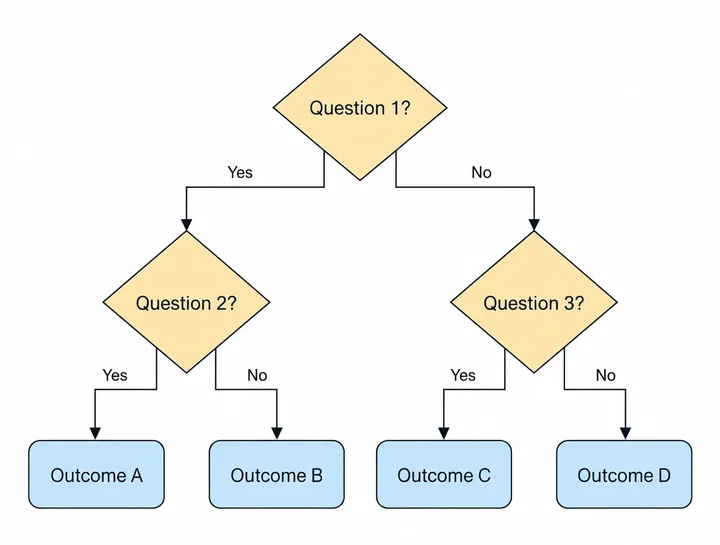
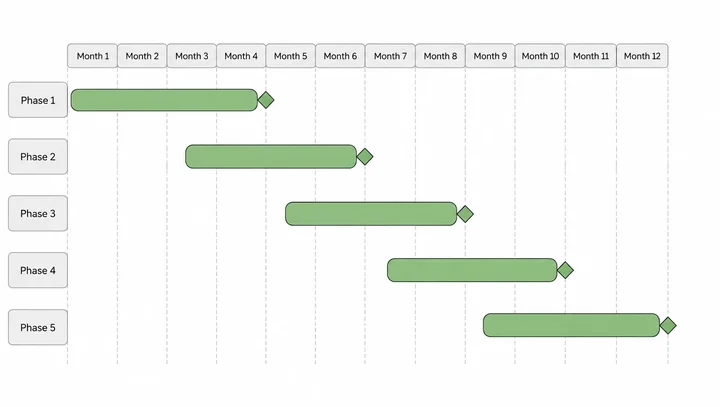
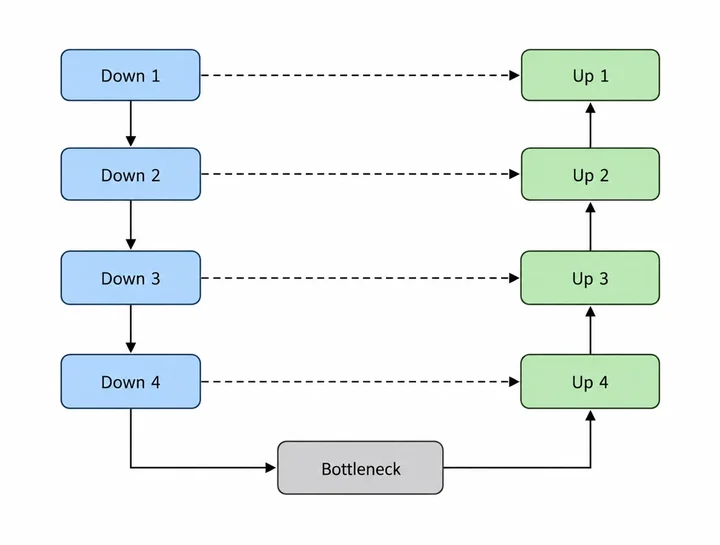
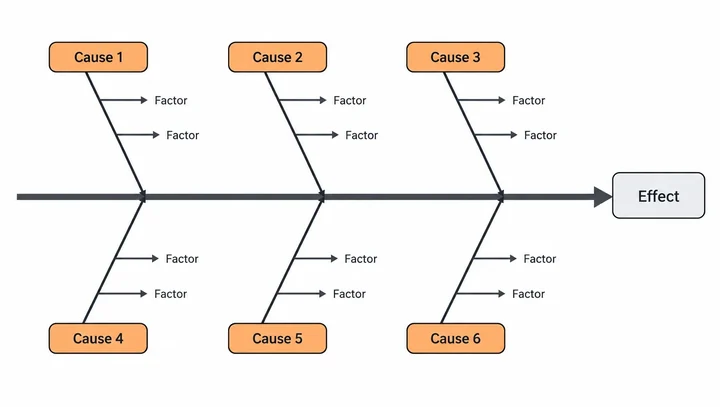
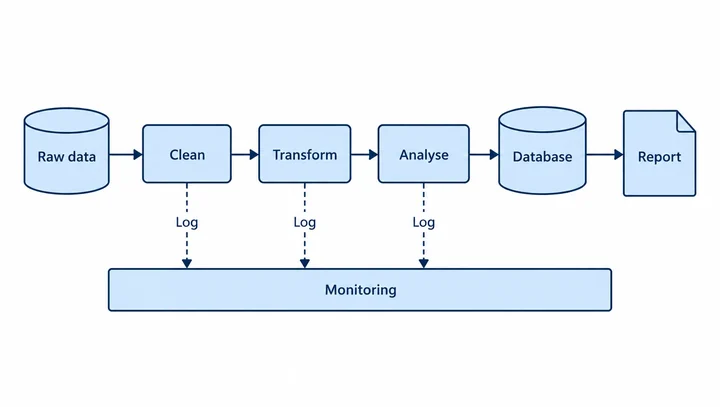
These come from the app's flowchart templates, all drawn by Nubint Figure. Pick one and the layout stays while the content becomes your study.
Attach your methods, get a flowchart
Describe the procedure in a sentence or attach your manuscript (PDF or DOCX), and its steps, branches and loops are laid out as boxes and arrows.
Describe your figure, get it publication-ready
Draw the patient screening process of a clinical trial as a standard flowchart
82 templates: keep the layout, swap in your study
There are 40 flowcharts, 21 model architectures, 12 cycle diagrams and 9 timelines. Pick one and the figure follows its layout while the text and content follow your request.
Templates
Edit down to a single box
Correct labels with Text Edit, or choose Edit in Canvas to move boxes and arrows on a vector canvas where every element is separate.
How It Works
- 01
Describe or pick a template
Write the procedure or attach your manuscript, and pick a template if there's a standard layout.
- 02
Refine
Add or remove steps in chat, and fix text and placement on the canvas.
- 03
Download
Download the finished flowchart, or export PPTX to keep editing in your slides.
FAQ
Frequently Asked Questions
Common questions about this feature
Start your flowchart with one methods section
No credit card · Free plan available